Physics-Driven AI for PCB Layout Automation

Quilter is physics-driven AI that handles PCB placement and routing end-to-end, like a dedicated junior PCB engineer on your team. 

What Quilter Does

Upload your schematic and board outline. Quilter handles placement, routing, and validation against your constraints, then returns completed layout candidates in native file formats for Altium, Cadence Allegro and OrCAD, Siemens Xpedition, and KiCAD.

Engineering Leaders
Ship projects on time without adding headcount.
Electrical Engineers
Get layout off your plate so you can spend your time on architecture, schematic design, and bring-up.
PCB Designers
Run multiple placement and routing options in parallel. Download them back to your CAD, keep what you like, modify or delete what you don't. You're always in control.

How Quilter Works

ECAD Quilter Prepare Your Design Files Schematic Board Outline Fixed Components Edit & Clean Up Design Review Iteration Loop Define Design Context Stackup Constraints Circuit Intent Review Candidates Placement Routing Quilter Engine

Quilter fits into your existing workflow. You prepare the design in your ECAD, upload it, and Quilter handles placement and routing. You review the output, make adjustments, and resubmit. Most boards go through 2 to 5 cycles before the engineer is satisfied with the result. There’s no magic: Quilter shows you every physics check it ran, and you stay in control at every step.

Explore How Quilter Works

So funktioniert Quilter

ECAD Quilter Designdateien vorbereiten Schaltplan Platinenumriss Fixierte Bauteile Bearbeiten & Bereinigen Design-Review Iterationsschleife Design-Kontext definieren Lagenaufbau Constraints Schaltungsabsicht Kandidaten prüfen Platzierung Routing Quilter Engine

Quilter fügt sich in Ihren bestehenden Workflow ein. Sie bereiten das Design in Ihrem ECAD vor, laden es hoch, und Quilter übernimmt Platzierung und Routing. Sie prüfen das Ergebnis, nehmen Anpassungen vor und reichen es erneut ein. Die meisten Platinen durchlaufen 2 bis 5 Zyklen, bis der Ingenieur mit dem Ergebnis zufrieden ist. Es gibt keine Magie: Quilter zeigt Ihnen jede durchgeführte Physikprüfung, und Sie behalten in jedem Schritt die Kontrolle.

Erfahren Sie, wie Quilter funktioniert

Quilter の仕組み

ECAD Quilter 設計ファイルを準備 回路図 基板外形 固定 部品 編集・整理 デザインレビュー 反復ループ 設計コンテキストを定義 層構成 制約 回路の意図 候補を確認 配置 配線 Quilter エンジン

Quilter は既存のワークフローにそのまま組み込めます。ECAD で設計を準備してアップロードすると、Quilter が部品配置と配線を行います。出力を確認し、調整して再度提出します。多くの基板は、技術者が結果に満足するまで 2〜5 回のサイクルを経ます。魔法はありません。Quilter は実行したすべての物理チェックを提示し、どの段階でも主導権はあなたにあります。

Quilter の仕組みを見る

What Happens When You Upload Your Project to Quilter

1

Quilter Full Technical Setup Walkthrough

Watch the full walkthrough for everything you need to go from a set of ECAD files to a finished board layout.

FAQ

Still have a question?

Contact Us

What inputs does Quilter need from me?

Quilter needs a complete schematic and a board outline from your ECAD tool (Altium, Cadence Allegro & OrCAD, Siemens Xpedition, or KiCAD). The board file should include the board outline, mounting holes, connectors, and any other mechanically critical components already placed. Anything inside the board outline is treated as locked. Anything outside is what Quilter will place for you.

For better outputs, include rooms or placement regions to guide the floor plan, set your stackup and DRC rules, and use net classes to flag power nets and differential pairs.

Will Quilter replace my layout engineers?

No. Quilter handles placement and routing on the boards it handles well, which frees your layout experts to focus on the designs that actually need their judgment. On the complex boards that define your products, layout engineers keep doing what they do best. Teams report clearing routine work faster, not shrinking headcount.

How much cleanup work is required after Quilter generates candidates?

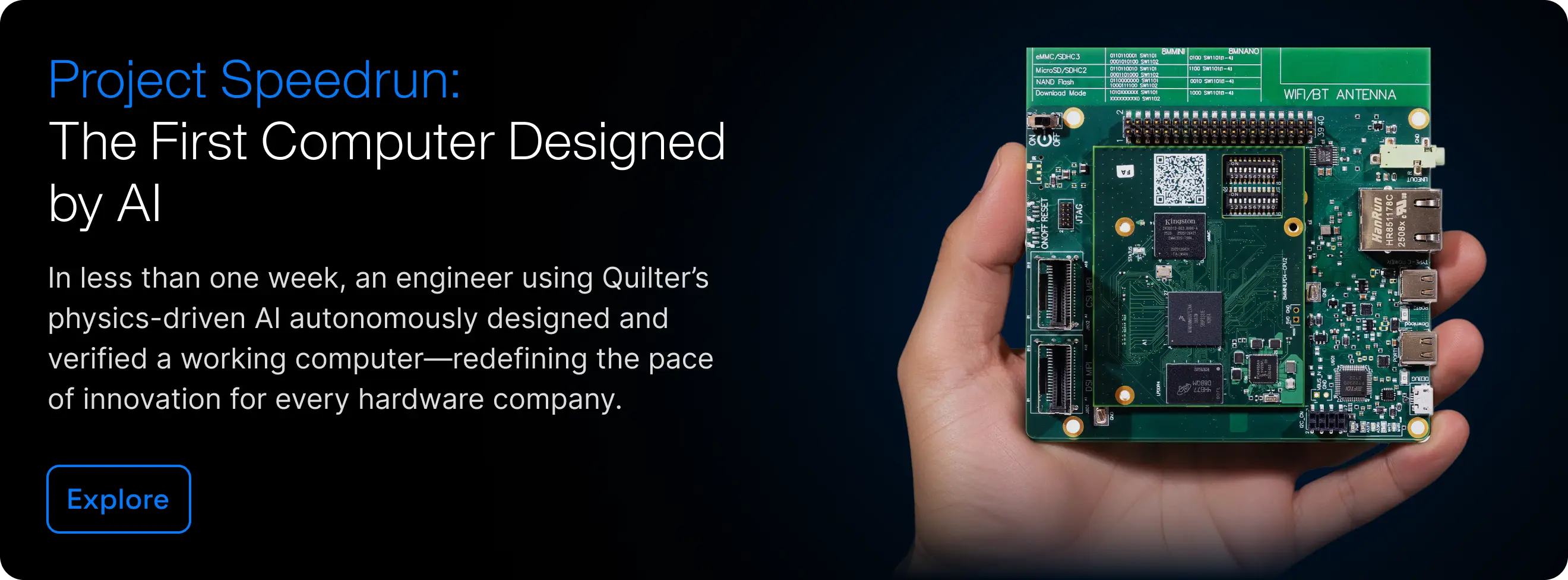
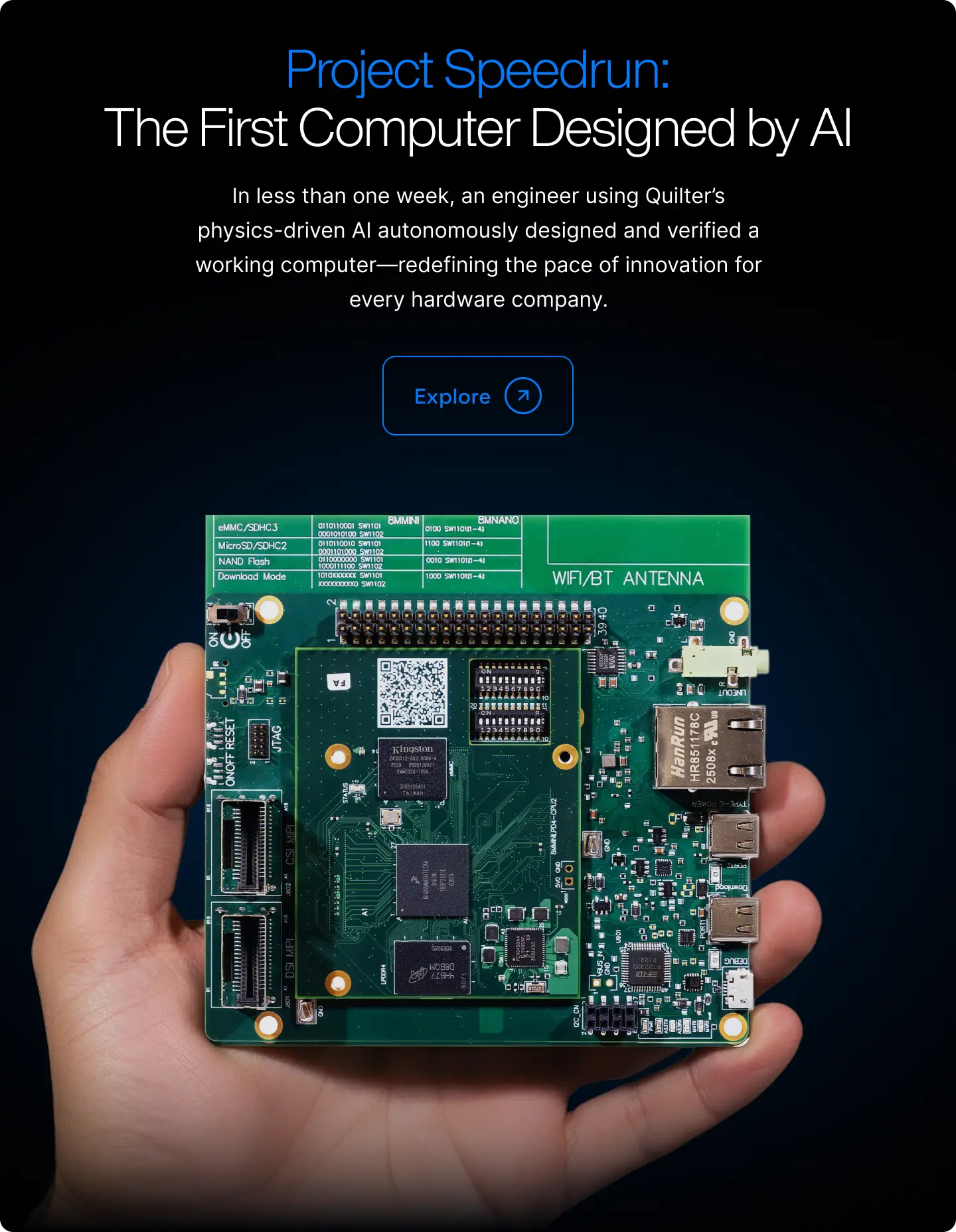
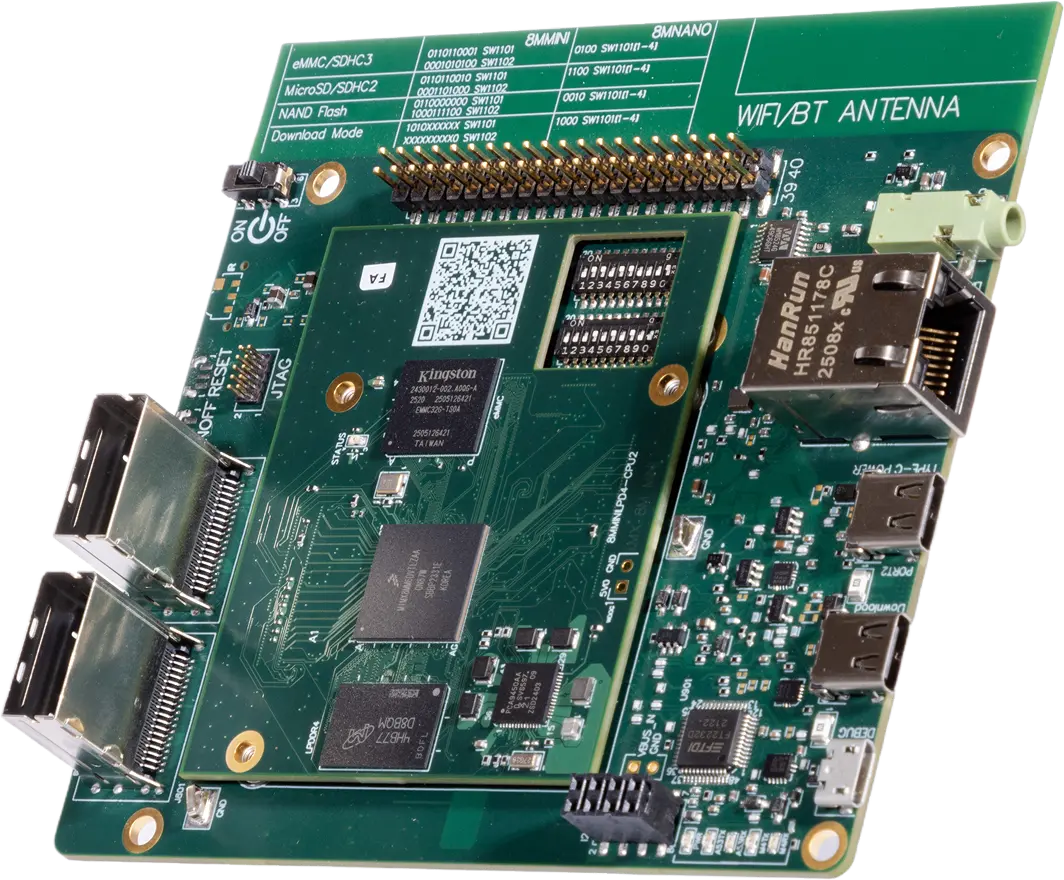
Cleanup typically takes a few hours on simpler boards and 30 to 40 hours on Quilter’s most complex production cases. For Project Speedrun, an 843-component, 5,141-pin Linux motherboard, cleanup totaled 38.5 human hours against the 428 hours quoted by professional layout services. Cleanup time drops sharply after the first few boards as your team builds fluency with Quilter’s outputs.

Cleanup typically includes finishing the few remaining unrouted nets in your ECAD tool, addressing any DRC violations Quilter flagged, running your own DFM checks, and applying your team’s aesthetic and organizational standards.

What happens to my design files? Is Quilter trained on my data?

No. The enterprise version of Quilter does not use any customer data for training. The free version does parse your board to generate synthetic data for training, but it does not “learn” or “memorize” your design. Quilter learned layout by playing millions of synthetic boards against the laws of physics, the same way AlphaGo engines learn their games.

How is Quilter different from an auto-router?

Quilter reasons from physics; auto-routers don’t. Auto-routers take placement as a given and play a connect-the-dots game on a 2D grid, drawing traces between pins with no understanding of what the signals are doing. Quilter reads your schematic to identify what matters electrically (differential pairs, DDR timing, bypass capacitors, switching converters, impedance-controlled nets), calculates the geometric rules each net needs for every stackup, and handles placement, stackup, and routing as one connected problem.

Is Quilter an LLM like ChatGPT for PCBs?

No. PCB layout is a physics and geometry problem, not a language problem. Quilter is trained to generate complete layouts that pass electrical and manufacturing checks. It does not hallucinate traces or invent routing from text patterns.

Which ECAD tools does Quilter work with?

Altium, Cadence Allegro, Siemens Xpedition, and KiCAD. You start in your ECAD tool, submit to Quilter, and get back candidates in the same native file format. No SPECCTRA, ODB, or third-party converters.

What size boards does Quilter handle?

Up to 10,000 pins, with the sweet spot at 2,000 to 5,000. There is no inherent pin limit. Quilter is best suited to low-voltage (under 48V) and low-current (under 10A) designs at low-to-medium pin density (below roughly 20% pin density). RF-dominant, high-voltage, and very high-density HDI designs are not a fit yet. Quilter is improving rapidly — check our documentation for the latest information on what Quilter handles well.

Can I run Quilter on-premise?

Yes. Quilter deploys into your own environment (AWS, GCP, Azure, or whatever else your team already uses). Same software, same outputs as the cloud version.

How much does Quilter cost?

Pricing scales with unrouted pin count, so you buy capacity when you have a project and don’t pay when you don’t. That fits how layout already gets budgeted at most companies, whether you pay a contract layout house per board or allocate internal engineering hours per program. Iterations within a project are unlimited. Contact us for enterprise pricing on production programs.

Can I try Quilter for free?

Yes. Quilter offers a free version. The free version includes the same functionality as the paid product, but designs uploaded into the free version may be used to improve Quilter’s AI model. For commercial work that requires IP protection, dedicated cloud workspaces, or on-premise deployment, a paid pilot is the right starting point.

Get Started

See Quilter in Action

Schedule a consultation and see how physics-driven automation removes layout from your critical path.